

News
How to Fix Common Electronic Speed Controller Circuit Problems


Most electronic speed controller circuit problems look hard, but you can fix them if you follow the right steps. If you use a device like the XC E3 Pro Brushless ESC, you might see power failure, signal loss, overload, startup problems, overheating, strange current, or communication errors. You can solve these problems, even if you are new to this.
Key Takeaways
- Check power connections often to stop problems. Loose wires or weak batteries may make your ESC stop working.
- Watch for signs of overheating like strange heat or burning smells. Finding these early can stop damage and keep you safe.
- Update your ESC firmware to help it work better and fix problems. Updating often keeps your system working well.
Common Electronic Speed Controller Circuit Issues
Power Problems
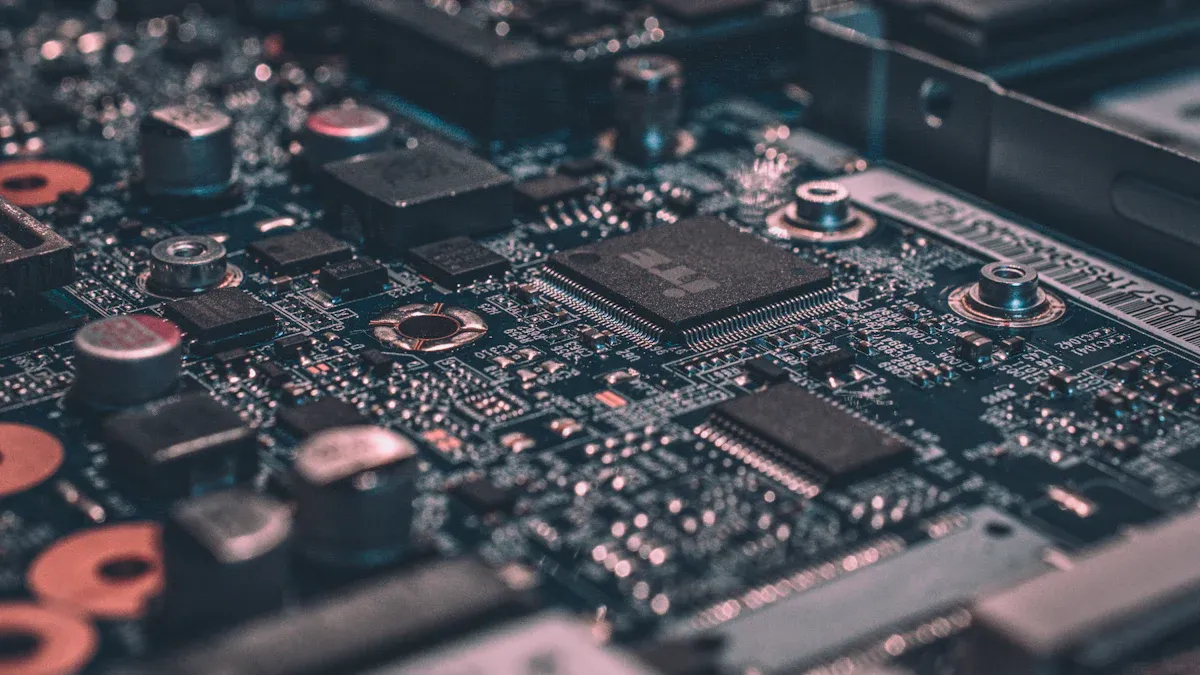
Sometimes your esc does not turn on. The motor might not spin. Power problems can happen because of a weak battery. Bad soldering or loose wires can also cause trouble.
If your esc fails with the main power, you may worry about the battery or power supply more than the esc. Low voltage can make your electronic speed controller circuit unstable. This can hurt how well it works.
Signal Loss
Signal loss can make your esc act weird or stop. Some common causes are:
- Too much heat from overload
- MOSFET failure in the controller
- Loose wires or bad soldering
- Water damage or rust on parts
- Battery problems causing unstable voltage
Overload Symptoms
If your esc gets overloaded, you may hear strange sounds. The motor may slow down. Look at this table for signs:
| Symptoms Type | Examples |
|---|---|
| Audible Symptoms | Loud humming, buzzing, or grinding noises |
| Electrical Symptoms | Motor uses too much current and gets hot |
| Mechanical Symptoms | Loss of power, stalls, or shakes more |
Startup Failures
Startup failures happen when your esc or motor will not start. Sometimes it acts jerky. This can be from a weak battery, controller problems, bad wires, or broken parts. Sometimes, the motor windings or hall sensors break. This makes fixing it harder.
Overheating Signs
Overheating is bad for safety and efficiency. Watch for these signs:
| Sign of Overheating | Description |
|---|---|
| Unusual Heat | Esc feels very warm when you touch it |
| Power Loss | Power cuts out sometimes |
| Burning Smell | You smell something burning near the esc |
| Visible Damage | You see burn marks or cracks on the esc |
Abnormal Current
Abnormal current can make your esc shut off or act strange. You may see too much current, loose wires, or broken parts. Always check the current sensor. Look at the motor for shorts.
Communication Errors
Communication errors can show up as display problems or lost control. Try these ways to fix it:
| Method | Description |
|---|---|
| LCD Display Malfunctions | Display problems often mean communication issues |
| Cable Testing | Clean and check the pins between esc and display |
| System Reset | Resetting can fix many software problems |
ESC Troubleshooting Steps
Check Power and Connections
You want your esc to work each time you use it. First, gather your tools. You need cable strippers, a soldering iron, heat shrink tubing, and a multimeter. Make sure your workspace is clean and easy to use. Find the U, V, and W wires from your motor. Connect these wires to the esc outputs. Attach the Hall sensor cables to the esc. Connect the battery cables and check the polarity. Cover every connection with heat shrink tubing or electrical tape. Use a multimeter to check everything before turning on the power.
- Always take out the battery before you look at anything.
- Look for loose wires, frayed ends, rust, or burnt spots.
- Use your multimeter to test voltage, continuity, and sensor outputs.
If you use the XC E3 Pro Brushless ESC, the labels are clear. This helps you fix problems and avoid mistakes with wiring or soldering.
Tip: If you see a short circuit or too much current, stop and fix it first. This keeps your esc safe.
Inspect Signal Path
Signal problems can make your esc act weird. Check the wires between your controller and esc. Look for broken soldering or loose connectors. Clean any dirty pins. Use a multimeter to check for signal voltage. If you have a display, watch for error messages. Water or rust can block signals. If you see any, dry and clean the parts.
- Make sure the battery is charged and working well.
- Test the signal wires for continuity.
- Recalibrate the esc if the motor does not respond.
Test for Overload
Overload can damage your esc and motor. You want to find it early. Set your controller for the motor’s rated current, voltage, and frequency. Use electronic overload relays with your esc. Standard relays may not measure current and harmonics well.
Here’s a simple checklist:
- Do a FOP test across the contactor to find resistance problems.
- Take amperage readings to watch current flow.
- Check motor megger reports for insulation problems.
If you see too much current, lower the load or check for mechanical problems. The XC E3 Pro Brushless ESC can handle high current, but you should always test for overload to protect your parts.
Fix Startup Issues
Starting problems can be annoying. Begin with a visual check. Look for burnt parts, damaged wires, or loose connectors. Use a multimeter to check the battery voltage. Make sure it matches the esc’s range. Test the motor windings for equal resistance. If you find a short circuit, fix it before trying again.
Check the sensor and encoder signals. Bad Hall sensors often cause startup problems. If your esc has PC software, use it to check error logs, current draw, and temperature. This helps you find the problem fast.
Note: Regular calibration and maintenance help stop startup failures.
Monitor Overheating
Overheating can lower performance and hurt safety. You want to catch it early. Use thermography inspections to find hot spots. Thermochromic indicators change color when the esc gets too hot. Put these on cables, connectors, and the esc.
- Touch the esc to check for heat.
- Watch for power loss or burning smells.
- Look for burn marks or other damage.
If you see poor cooling, improve airflow or add a fan. The XC E3 Pro Brushless ESC has good cooling features, but you should still watch the temperature during long runs.
Detect Abnormal Current
Abnormal current can make your esc shut off or act strange. Use tools like an automotive circuit tester, a diagnostic multimeter, or a battery system tester. These tools help you find too much current or shorts in the electronic speed controller circuit.
- Test the battery for health and charge.
- Check the motor for shorts or damaged windings.
- Look at all parts for signs of wear.
If you find a problem, replace the bad part before using the esc again.
Resolve Communication Errors
Communication errors can stop your esc from working with your controller. Start by checking the communication line for damage or loose connectors. Make sure both devices use the same protocol settings. Match device parameters like motor model and encoder type. Keep communication and power cables apart to lower interference. Use shielded cables and add filters if needed.
- Update the esc firmware to the newest version.
- Reset the system if you see display problems.
- Clean all connectors and check for rust.
If you use the XC E3 Pro Brushless ESC, updating firmware is easy and helps keep your esc working with new controllers.
Tip: Regular maintenance and firmware updates help your electronic speed controllers work better and last longer.
Preventive Maintenance for Electronic Speed Controllers
Taking care of your esc helps you stop big problems. It also helps your electronic speed controller last longer. If you use the XC E3 Pro Brushless ESC, checking and cleaning parts is easy. Good maintenance means you fix things less often. Your esc works better when you take care of it.
Regular Inspection
You should check your esc often. Look at the case for dust or water. Clean the esc with a soft brush or a vacuum. Make sure fans and vents are not blocked. This helps cooling work well. Check for loose wires or burnt spots. Look for signs of too much current. Test the battery for swelling or leaks. Regular checks help you find problems early.
- Check for dust and water.
- Clean with a soft brush.
- Make sure fans and vents are clear.
- Look for loose wires or burnt parts.
- Test the battery to see if it is healthy.
Proper Wiring
Wiring is very important for your esc. Use a fuse that matches your circuit. This stops damage from too much current. Put the fuse between the battery cable and power cable. Cover metal parts with heat shrink to stop shorts. Always check soldering to make sure it is strong. Look at the speed sensor and all wires. Test battery voltage and check for error codes. Replace broken parts right away.
| Maintenance Practice | Description |
|---|---|
| Cleanliness | Cleaning stops dust from hurting how your esc works. |
| Proper Ventilation | Good cooling keeps your esc safe and working longer. |
| Monitoring Power Quality | Stable battery voltage protects your esc and motor. |
| Regular Inspections | Finding loose connections early stops circuit failures. |
Safe Operation
You want your esc to be safe. Set speed limits that match your motor and battery. Use safe speed control near danger zones. Limit how fast you speed up or slow down. Watch for overheating and too much current. Use troubleshooting if you see strange things. Pick speed values that fit what you need.
- Set safe speed limits.
- Use safe speed control near danger zones.
- Limit how fast you speed up or slow down.
- Watch for overheating and too much current.
Firmware Updates
Updating your esc firmware helps you fix problems. It keeps your electronic speed controllers working well. New firmware makes communication and control better. You get better performance and efficiency. The XC E3 Pro Brushless ESC makes updates easy. You can get new features fast.
- Update firmware for better control.
- Use troubleshooting after updates.
- Enjoy smoother performance and better reliability.
You can fix most electronic speed controller problems if you follow steps. Experts say these things are important:
| Key Takeaway | Description |
|---|---|
| Use a systematic approach | You find problems faster and make fewer mistakes. |
| Avoid expensive repairs | Quick fixes help you save money and time. |
| Increase productivity | Good care makes systems work better and last longer. |
Keep learning new things. Stay curious. Regular checks help you find problems early.
FAQ
Why does my ESC keep shutting off?
You might have a weak battery or loose wires. Check all connections. Make sure your battery is fully charged before you start.
How often should I check my ESC?
You should check your ESC before every use. Look for dust, loose wires, or signs of overheating. Regular checks help you avoid big problems.
Can I update ESC firmware myself?
Yes! Most ESCs let you update firmware at home. Just follow the instructions in your manual. Updates can fix bugs and add new features.